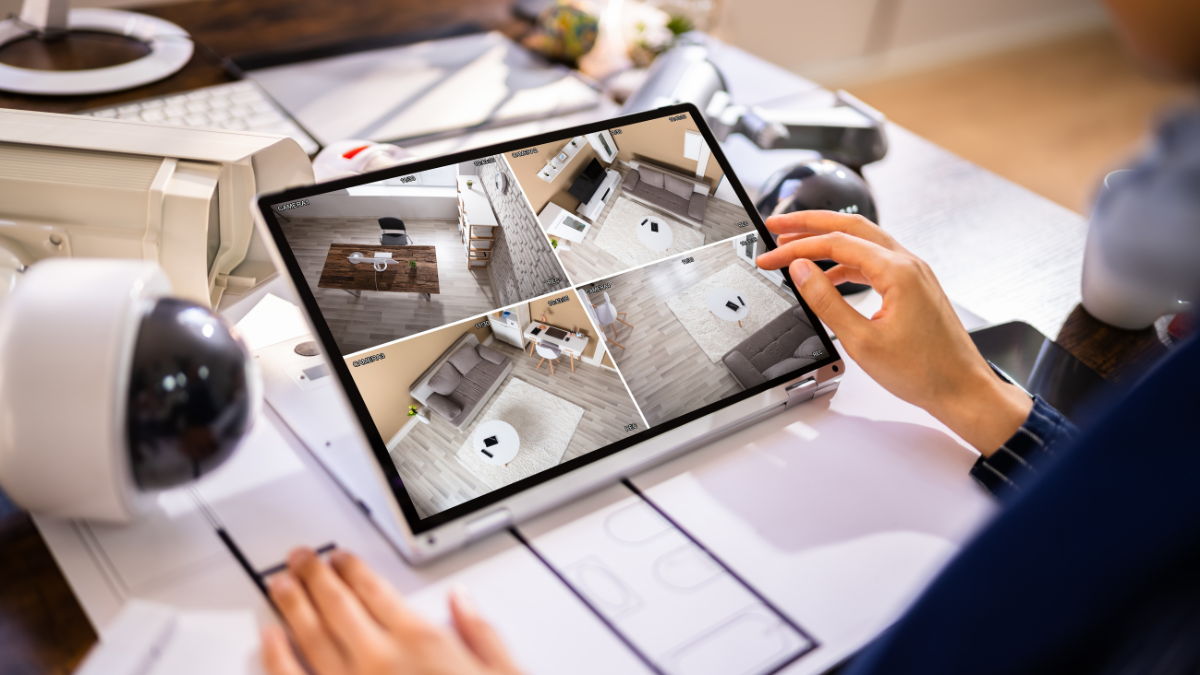
A secure home can give you greater control over what happens around your property, even when you are away.
Home security systems combine devices such as cameras, door sensors, alarms, motion detectors, and smart locks to help you monitor activity and respond to potential problems.
Modern systems range from simple do-it-yourself kits to professionally installed setups with 24/7 monitoring. Costs may start below $200 for basic equipment and rise above $1,000 for more advanced packages.
Monthly professional monitoring may also cost around $20 to $60 or more, depending on the provider and features.
What Are Home Security Systems?
Home security systems are connected devices designed to help protect your property from burglary, unauthorized entry, fire, and other potential threats.
Some systems sound an alarm locally, while others send alerts to your phone or connect to a professional monitoring center.
A typical system may include:
- Door and window sensors
- Motion detectors
- Indoor and outdoor security cameras
- Video doorbells
- Smart locks
- Alarm sirens
- Smoke and carbon monoxide detectors
- Central control panels
- Mobile app access
You can usually customize the system based on your home’s size and the areas you want to monitor.
How Do Home Security Systems Work?
Most systems use sensors positioned around doors, windows, hallways, and other important areas. When a sensor detects unexpected movement or entry, it may trigger an alarm or send a notification to your phone.
With professionally monitored security systems, the monitoring center may also receive the alert. Staff can attempt to contact you and, depending on the situation and service agreement, may request emergency assistance.
Smart security systems may let you check live camera footage, lock doors, activate alarms, and receive notifications through your smartphone.
Types of Home Security Systems You Can Consider
DIY Home Security Systems
DIY systems are designed for self-installation. You usually receive sensors and other equipment that can be mounted without professional help.
Basic DIY equipment packages may cost approximately $150 to $500, depending on the number of devices included.
DIY systems may work well if you:
- Rent your home
- Want lower installation costs
- Prefer flexible equipment placement
- Want to manage the system yourself
Some DIY brands also offer optional professional monitoring for an additional monthly fee.
Professionally Installed Security Systems
A professionally installed system is set up by a technician who determines suitable locations for sensors, cameras, and other equipment.
Equipment and installation may cost around $500 to $1,500 or more for larger or more advanced homes.
Self-Monitored Security Systems
Self-monitoring means security alerts are sent directly to your phone rather than to a monitoring center.
You are generally responsible for checking alerts and deciding what action to take.
Some self-monitoring systems have no monthly monitoring charge, although you may pay for cloud video storage or premium app features.
Professionally Monitored Security Systems
Professional monitoring connects your security system to a monitoring center that may operate 24 hours a day.
Monthly monitoring commonly costs around $20 to $60, although premium packages may cost more.
The price can depend on features such as:
- Video monitoring
- Smart-home integration
- Cellular backup
- Fire monitoring
- Medical alerts
- Cloud recording
How Much Do Home Security Systems Cost?
The total cost depends on equipment, installation, monitoring, and optional services.
| Security Expense | Typical Estimated Cost |
|---|---|
| Basic DIY starter kit | $150–$500 |
| Advanced equipment package | $500–$1,500+ |
| Professional installation | $100–$500+ |
| Monthly monitoring | $20–$60+ |
| Security camera | $50–$300 each |
| Video doorbell | $80–$250 |
| Smart lock | $100–$300 |
| Extra door or window sensor | $20–$50 |
| Cloud video storage | $3–$20+ monthly |
These figures are general estimates. Actual prices may vary based on your provider, location, equipment package, and subscription level.
What Features Should You Look for in a Home Security System?
Choosing the right features can help you avoid paying for equipment you do not need.
Security Cameras
Cameras allow you to see activity around your home. Outdoor cameras may help you monitor driveways, entrances, yards, and garages.
Useful camera features can include:
- HD or 4K video
- Night vision
- Two-way audio
- Motion detection
- Person detection
- Cloud or local recording
Door and Window Sensors
Entry sensors detect when a protected door or window opens.
These sensors are commonly placed on:
- Front doors
- Back doors
- Patio doors
- Ground-floor windows
- Garage entry doors
Motion Detectors
Motion sensors detect movement within a designated area. They may provide added protection when an intruder enters without opening a monitored door or window.
Video Doorbells
A video doorbell lets you view and communicate with visitors at your front door through your smartphone.
Some models can also record package deliveries and unexpected activity.
Smart Locks
Smart locks allow you to lock or unlock doors remotely. Some systems let you create temporary access codes for family members, cleaners, contractors, or guests.
Smoke and Carbon Monoxide Detection
Some security systems support connected smoke and carbon monoxide detectors.
Wired vs Wireless Home Security Systems
Both wired and wireless systems can offer useful protection, but their installation and operation differ.
Wired Systems
Wired security equipment is physically connected through your home’s electrical or communication wiring.
Potential advantages include:
- Reliable connections
- Fewer battery replacements
- Good suitability for permanent installations
Installation may be more expensive because walls or ceilings may need to be accessed.
Wireless Systems
Wireless devices communicate through Wi-Fi, cellular networks, or dedicated wireless protocols.
Potential benefits include:
- Faster installation
- Easy equipment relocation
- Fewer cables
- Better flexibility for renters
You may need to replace or recharge device batteries periodically.
Is Professional Security Monitoring Worth the Cost?
Professional monitoring may be useful if you want another layer of oversight when you cannot immediately respond to an alert.
For example, a monitoring center may receive an alarm notification while you are sleeping, traveling, working, or unavailable.
Professional monitoring may make sense if you:
- Travel frequently
- Spend long hours away from home
- Have multiple entry points
- Want fire and carbon monoxide monitoring
- Prefer additional emergency support
If monthly costs are a concern, self-monitoring may provide a more affordable alternative.
Can Home Security Systems Work Without Wi-Fi?
Some systems can operate without Wi-Fi by using cellular connections, radio frequencies, or wired communication.
However, Wi-Fi may be needed for features such as:
- Live video streaming
- Cloud recording
- Smartphone control
- Remote notifications
- Smart-home integrations
Can You Use Home Security Systems in Apartments?
Yes. Renters can use many wireless and DIY security systems without permanently changing the property.
Useful apartment security devices may include:
- Video doorbells
- Indoor cameras
- Door sensors
- Motion detectors
- Portable alarm systems
Before installing cameras, locks, or equipment that requires drilling, check your lease and local property rules.
How Many Security Cameras Do You Need?
The right number depends on your home’s size and layout.
Many homeowners prioritize cameras around:
- The front entrance
- The back entrance
- The driveway
- The garage
- Side entrances
- Ground-floor access points
A smaller property may only require two or three cameras, while a larger home may benefit from five or more.
More cameras can improve coverage, but they also increase equipment and storage costs.
Do Home Security Systems Reduce the Risk of Burglary?
Visible cameras, alarms, and security signs may discourage some unwanted activity, but no system can completely prevent crime.
Security equipment works best as one part of a broader home safety strategy.
You can also improve home security by:
- Keeping doors and windows locked
- Using exterior lighting
- Trimming landscaping near entry points
- Avoiding visible valuables near windows
- Securing garages and sheds
- Using timers for interior lights when traveling
Are Smart Home Security Systems Safe?
Connected security equipment can offer convenience, but cybersecurity should be part of your decision.
You can help protect your system by:
- Using strong, unique passwords
- Enabling two-factor authentication
- Keeping device software updated
- Securing your home Wi-Fi network
- Buying equipment from established manufacturers
- Reviewing privacy and video-storage settings
These steps may reduce the risk of unauthorized account or device access.
How to Choose the Best Home Security System for Your Needs
Start by identifying the areas of your property you want to protect.
Consider these questions:
- How many doors and windows do you have?
- Do you need indoor or outdoor cameras?
- Do you want professional monitoring?
- What is your equipment budget?
- Are monthly fees acceptable?
- Do you rent or own your home?
- Do you want smart-home integration?
- Do you need fire or carbon monoxide monitoring?
After answering these questions, compare equipment costs, subscriptions, installation requirements, warranty terms, and cancellation policies.
Building a Smarter Home Security Strategy
Home security systems now offer far more flexibility than traditional alarm setups.
You can choose a basic DIY package for a few hundred dollars or invest in a professionally installed system with cameras, smart locks, environmental sensors, and 24/7 monitoring.
Before choosing a system, compare both upfront and ongoing costs. Pay attention to equipment prices, monthly monitoring charges, video-storage fees, contracts, and optional features.
Leave a Reply