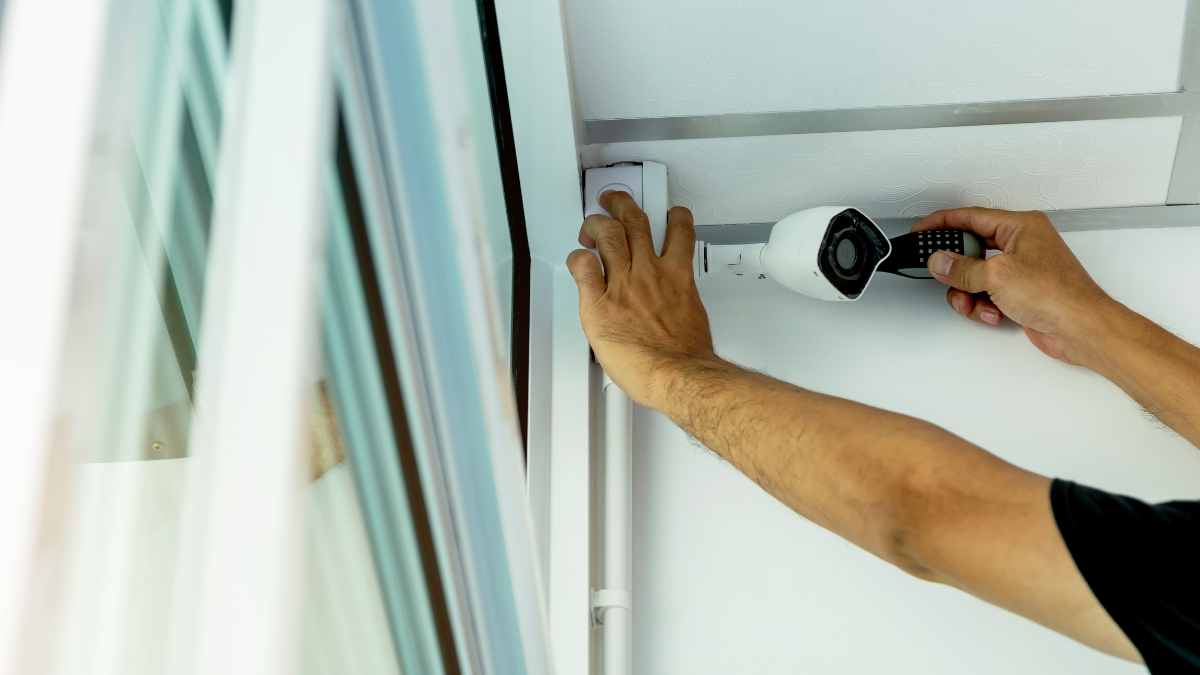
Keeping your home protected has become much easier thanks to modern security technology. ADT DIY install kits give homeowners the option to set up a professionally backed security system without waiting for an installation appointment. Instead of scheduling a technician, you can receive your equipment, install it yourself, and begin protecting your home in a relatively short amount of time.
Many people appreciate the flexibility that comes with a DIY home security system. You can place sensors where they make the most sense, expand your setup over time, and control your system through a mobile app. Since ADT continues to provide professional monitoring options alongside self-installation, many homeowners find it offers a balance between convenience and reliable protection.
This guide explains how ADT DIY install kits work, what comes in the box, pricing, setup steps, advantages, limitations, and who may benefit most.
ADT DIY Install Kits: What They Include
ADT DIY install kits are designed so you can install the equipment without specialized tools or technical experience. Most components arrive pre-paired or are simple to connect using the ADT mobile app.
Depending on the package you select, your kit may include:
- Base station or smart hub
- Keypad
- Entry sensors for doors and windows
- Motion detector
- Indoor camera
- Outdoor camera
- Video doorbell
- Yard signs and window decals
- Power adapters and mounting accessories
Some packages focus on basic intrusion detection, while larger bundles include video monitoring and smart home automation features.
Since ADT equipment is modular, additional devices can usually be added later if your security needs change.
Core Equipment Explained
Base Station
The base station serves as the center of your ADT security system. It communicates with every connected sensor and alerts the monitoring center if professional monitoring is active.
Many systems include:
- Cellular backup
- Battery backup
- Built-in siren
- Wi-Fi connectivity
These features help maintain protection during internet interruptions or temporary power outages.
Entry Sensors
Door and window sensors detect when an entry point opens while the system is armed.
These sensors are commonly placed on:
- Front doors
- Back doors
- Garage entry doors
- Sliding glass doors
- Ground-floor windows
Installation generally involves attaching adhesive strips rather than drilling holes.
Motion Sensors
Motion detectors monitor movement inside your home.
Many modern sensors include pet-friendly technology that helps reduce false alarms from smaller animals.
Motion sensors often work best in:
- Hallways
- Living rooms
- Main entrances
- Stairways
Proper placement helps improve accuracy.
Security Cameras
Many ADT DIY install kits offer optional cameras that provide live video through the mobile app.
Available devices may include:
- Indoor cameras
- Outdoor weather-resistant cameras
- Video doorbells
Features often include:
- HD video
- Motion alerts
- Two-way audio
- Night vision
- Cloud video recording (subscription required)
Keypad
Although the mobile app handles many daily tasks, the keypad provides another convenient way to arm or disarm your system.
It allows family members or guests to enter personal access codes without needing the mobile app.
How ADT DIY Install Kits Work
The installation process has been designed to keep setup straightforward.
A typical installation looks like this:
Step 1: Download the ADT App
The app walks you through each step of installation.
It provides instructions for pairing devices, testing sensors, and confirming successful connections.
Step 2: Position Each Device
Before attaching equipment permanently, test different locations.
Good placement improves:
- Sensor performance
- Camera visibility
- Wi-Fi signal strength
- Motion detection accuracy
Step 3: Mount Equipment
Most sensors use strong adhesive backing.
Some cameras may require screws depending on mounting location and surface type.
Step 4: Connect Every Device
The app identifies each device as you add it.
You’ll typically name each sensor according to its location, such as:
- Front Door
- Kitchen Window
- Garage Entry
- Upstairs Hallway
This makes notifications much easier to understand later.
Step 5: Test the Entire System
After installation, run a complete system test.
Check:
- Door sensors
- Window sensors
- Motion detectors
- Cameras
- Sirens
- Mobile notifications
Testing confirms everything communicates properly before relying on the system every day.
Smart Home Features
Many ADT DIY install kits support popular smart home integrations.
Depending on your equipment and subscription, you may be able to:
- Arm or disarm remotely
- Receive instant notifications
- Watch live camera feeds
- Lock compatible smart locks
- Control smart lights
- Create automation routines
- View activity history
Managing everything from one app can simplify everyday home security.
Who Should Consider ADT DIY Install Kits?
These kits may be a good fit for:
- First-time homeowners
- Apartment residents
- Renters with permission to install removable equipment
- Busy homeowners who prefer flexible installation
- People replacing an older alarm system
- Families wanting professionally monitored security without scheduling installation
DIY installation also makes expanding your system much easier as your needs change.
ADT DIY Install Kits Pricing
The cost of ADT DIY install kits depends on the equipment package you choose and any optional monitoring plan you add. ADT frequently updates its promotions, so prices may vary throughout the year.
The table below reflects typical pricing available through ADT’s official website.
| Package | Typical Starting Equipment | Approximate Starting Price* |
| Starter Kit | Hub, keypad, entry sensors | Around $269 |
| Starter Plus | Starter equipment with additional sensors | Around $349 |
| Video Package | Security cameras and sensors | Around $479 |
| Complete Smart Home Package | Cameras, sensors, smart home devices | $600+ |
Prices and promotions change periodically. Check ADT’s official website for current offers and package availability.
Professional monitoring is typically offered as a monthly subscription. The exact monthly cost depends on the features included, such as cloud video storage, smart home controls, and emergency monitoring.
ADT DIY Install Kits vs. Professional Installation
Many homeowners compare self-installation with professional installation before making a decision.
| Feature | ADT DIY Install Kits | Professional Installation |
| Installation | Self-installed | Technician installs equipment |
| Scheduling | Install anytime | Appointment required |
| Installation Fee | Usually none | May include installation charges |
| Setup Time | Often 1–3 hours | Varies by appointment |
| Custom Placement Advice | Self-guided | Technician recommendations |
| Expand System Later | Yes | Yes |
| Professional Monitoring | Available | Available |
If you enjoy setting up technology yourself, the DIY option can save time and eliminate the need to wait for an installer. Some homeowners, however, prefer professional installation for larger homes or more complex layouts.
Benefits of ADT DIY Install Kits
Several features make these kits attractive to homeowners.
Flexible Installation
You choose when to install your equipment instead of coordinating an appointment.
Expandable System
Security needs often change over time.
Additional devices can usually be added, including:
- Extra door sensors
- Glass break detectors
- Indoor cameras
- Outdoor cameras
- Video doorbells
- Smart locks
Professional Monitoring Available
Although you install the equipment yourself, you can still subscribe to ADT monitoring plans for 24/7 emergency response.
This combination appeals to homeowners who want the convenience of self-installation along with professional support.
Mobile Control
The ADT app allows you to:
- Arm and disarm remotely
- Receive security alerts
- Watch live camera feeds
- Review event history
- Manage connected devices
Remote access is especially useful while traveling or away from home.
Wireless Equipment
Most devices communicate wirelessly.
This reduces installation time and minimizes drilling or running cables through walls.
Things to Keep in Mind
DIY installation works well for many homes, though there are a few considerations before purchasing.
Wi-Fi Quality Matters
A reliable wireless connection helps cameras and connected devices perform consistently.
Large homes may benefit from a mesh Wi-Fi system if signal strength is limited in certain rooms.
Camera Placement Requires Planning
Outdoor cameras perform best when installed:
- Above eye level
- Under roof overhangs when possible
- Away from direct glare
- Facing entry points
Taking time to choose good locations can improve video quality and motion detection.
Professional Installation May Suit Larger Homes
Homes with multiple floors, detached garages, or extensive smart home setups may benefit from professional installation.
A technician can help determine the best placement for equipment throughout the property.
Common Questions About ADT DIY Install Kits
Can you install ADT DIY install kits without professional help?
Yes. The kits are specifically designed for self-installation using the ADT app and included instructions.
Do ADT DIY install kits require professional monitoring?
No. Professional monitoring is optional, though many homeowners choose it for 24/7 emergency response.
How long does installation take?
Many homeowners complete installation in about one to three hours, depending on the size of the system and the number of devices being installed.
Can you add more devices later?
Yes. Most ADT DIY systems allow additional compatible sensors, cameras, and smart home devices to be added as your needs grow.
Do the systems work during a power outage?
Many ADT systems include battery backup. Some hubs also use cellular backup, allowing communication to continue if your internet connection is unavailable.
Are ADT DIY install kits good for renters?
They can be. Many devices use adhesive mounting, making installation less permanent than traditional wired security systems. Renters should still review their lease agreement before installing equipment.
Frequently Asked Questions
What comes in ADT DIY install kits?
Most kits include a smart hub, keypad, entry sensors, motion detector, power accessories, and installation materials. Larger packages may include indoor cameras, outdoor cameras, or a video doorbell.
Can you move an ADT DIY system to another home?
In many cases, yes. Since the equipment is wireless, it can often be removed and reinstalled after a move. Contact ADT to confirm compatibility and account transfer requirements.
Does ADT support smart home devices?
Yes. Many ADT DIY install kits work with compatible smart home products, allowing you to manage security and automation from a single app.
Is internet service required?
Internet access is recommended for app features and connected devices. Some systems include cellular backup to maintain communication with the monitoring center during internet outages.
How many sensors can you add?
The supported number varies by system model. Most homeowners can expand their setup with multiple sensors, cameras, and smart home devices.
Before You Make Your Decision
ADT DIY install kits provide an easy way to build a home security system without scheduling professional installation. They include wireless equipment, mobile app controls, optional professional monitoring, and the flexibility to expand your system over time.
Before choosing a package, compare the included equipment, monthly monitoring options, and current pricing. Selecting a system that fits your home’s size and your daily routine can help you get the most from your investment. For the latest package details and promotions, visit ADT’s official website before placing your order.
Leave a Reply