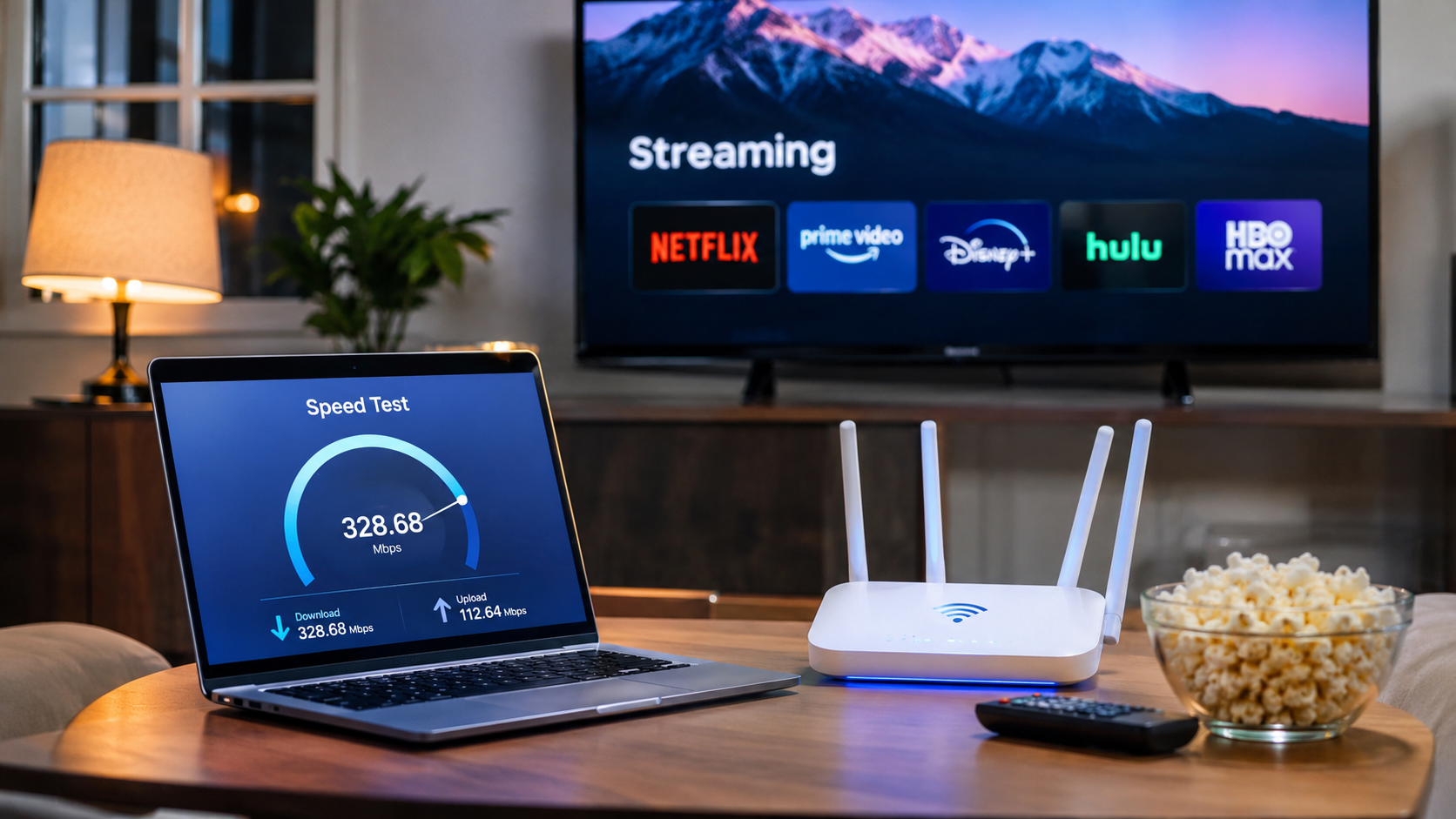
Streaming movies, watching live sports, and enjoying your favorite shows require a reliable internet connection. However, choosing between different Internet Plans for Streaming can be confusing when providers advertise various speeds, prices, and connection types.
The right plan depends on how many people use your connection, the streaming quality you prefer, and the number of devices running simultaneously.
A household watching occasional HD videos may have different requirements from a family streaming 4K content across several televisions.
This guide explains what to look for when comparing internet services, including download speeds, monthly costs, data limits, equipment fees, and connection reliability. You’ll also find practical recommendations for different household sizes and viewing habits.
How to Compare Internet Plans for Streaming
Before selecting an internet plan, focus on the features that directly affect your viewing experience. Advertised download speeds are useful, although they do not tell you everything about how a connection will perform during busy hours.
The following six factors deserve attention:
- Download speed: Determines how quickly streaming content can reach your devices.
- Connection stability: Helps maintain consistent video playback without frequent interruptions.
- Monthly pricing: Includes the advertised rate and any additional charges.
- Data allowances: Determines how much internet usage your plan permits before potential restrictions or extra fees.
- Upload speed: Matters when several household members make video calls, upload files, or broadcast live content.
- Equipment and installation: May affect your initial expenses and recurring monthly bill.
1. What Is the Best Internet Speed for Streaming?
The best internet speed for streaming depends on video resolution and how many devices share your connection.
According to published guidance from Netflix and YouTube, individual streams generally require considerably less bandwidth than the speeds advertised by many residential internet plans.
| Streaming activity | Typical recommended download speed per stream |
|---|---|
| Standard-definition video | 3 Mbps |
| HD video at 720p | 3–5 Mbps |
| Full HD video at 1080p | 5 Mbps |
| 4K Ultra HD video | 15–25 Mbps |
These figures are planning guidelines based on platform recommendations, not guaranteed performance thresholds. Netflix recommends 3 Mbps for 720p, 5 Mbps for 1080p, and 15 Mbps for 4K. YouTube recommends approximately 20 Mbps for 4K playback.
A 100 Mbps connection, for example, may comfortably support several HD streams when the connection is stable and other devices are not consuming substantial bandwidth.
However, actual performance can vary because of Wi-Fi interference, network congestion, device limitations, and the number of active users.
Recommended speeds by household size
| Household usage | Practical plan speed to compare |
|---|---|
| One person, occasional HD streaming | 25–50 Mbps |
| Two people, HD and occasional 4K | 50–100 Mbps |
| Three to four people, several active devices | 100–300 Mbps |
| Four to six people, frequent 4K and gaming | 300–500 Mbps |
| Large household with heavy simultaneous use | 500 Mbps–1 Gbps |
These are suggested shopping ranges rather than technical minimums. A smaller plan may work well when simultaneous usage is limited.
2. How Much Do Internet Plans for Streaming Cost?
Monthly internet expenses vary by provider, service address, connection type, and promotional terms.
The following price ranges are illustrative shopping budgets for U.S. residential service, not verified provider quotes.
| Advertised download speed | Illustrative monthly budget | Potential household fit |
|---|---|---|
| 25–50 Mbps | $30–$50 | Light streaming |
| 100 Mbps | $35–$65 | One or two regular viewers |
| 300 Mbps | $40–$80 | Families with several devices |
| 500 Mbps | $50–$95 | Heavy household usage |
| 1 Gbps | $60–$120+ | Many active devices and large downloads |
Dollar amounts are broad budgeting examples. Actual plans may fall outside these ranges, and availability depends on the service address.
When researching affordable internet plans, the lowest advertised price may not represent the lowest total cost.
Check the following charges before subscribing:
- Equipment rental fees for modems, routers, or gateways.
- Installation and activation charges.
- Promotional rates that expire after a specified period.
- Taxes and other applicable fees.
- Early termination charges if a contract applies.
- Data overage fees or speed reductions associated with usage limits.
For example, a plan advertised at $45 per month with a $15 equipment rental would cost $60 monthly before applicable taxes and other charges.
A competing $55 plan that includes equipment could therefore cost less over time.
3. Fiber Internet vs. Cable Internet for Streaming
Fiber internet
Fiber internet for streaming can provide high download speeds, low latency, and, on many plans, similar upload and download speeds. Availability depends on the property’s service infrastructure.
Cable internet
Cable connections can deliver hundreds of megabits per second or gigabit-class downloads. Upload speeds are often lower than downloads, although newer network upgrades may improve them.
Fixed wireless internet
Fixed wireless service connects homes through a wireless network. Performance can vary with signal quality, network capacity, and local conditions.
Connection type comparison
| Feature | Fiber | Cable | Fixed wireless |
|---|---|---|---|
| Download capacity | Often high | Often high | Variable |
| Upload performance | Often symmetrical | Frequently asymmetrical | Variable |
| Latency | Typically low | Typically low | Depends on network |
| Installation | May require fiber access | Requires cable infrastructure | Usually requires a gateway |
| Main consideration | Local availability | Shared-network congestion | Signal and capacity |
For households that regularly stream, game, and work remotely, fiber can be an attractive option when competitively priced.
4. Do You Need Unlimited Data for Streaming?
Unlimited data internet plans may be useful when several people watch video content daily.
Streaming uses different amounts of data depending on resolution, compression, platform settings, and viewing duration.
For example, Netflix states that 4K streaming can use up to approximately 7 GB per hour, depending on playback settings.
At that upper-end estimate, watching 4K content for three hours daily could consume approximately 630 GB during a 30-day month.
That calculation excludes gaming downloads, software updates, video calls, and other internet activities.
Before choosing a plan, check:
- Whether the provider applies a monthly data allowance.
- What happens after you exceed the allowance.
- Whether additional data costs extra.
- Whether speeds may be reduced under specific network-management policies.
- How the provider defines and applies unlimited usage.
For frequent 4K viewing, a plan without a restrictive monthly allowance may provide greater flexibility.
5. Choosing Internet for 4K Streaming
Internet for 4K streaming requires enough consistent bandwidth to support high-resolution playback.
A single 4K television may work well with a 25 Mbps connection under favorable conditions. However, households with several televisions need to account for simultaneous usage.
If your household streams multiple 4K videos simultaneously, a 300 Mbps plan may provide adequate capacity without requiring a gigabit subscription.
However, if your current connection already handles every active device smoothly, upgrading solely for streaming may produce little noticeable improvement.
6. Internet Plans for Multiple Devices: What Families Should Check
Internet plans for multiple devices should account for simultaneous activities rather than the total number of connected gadgets.
For example, ten connected devices do not automatically require gigabit internet. Some may remain idle, while others use only small amounts of bandwidth.
A household might have two televisions streaming 4K, one laptop on a video conference, and several smartphones browsing social media.
In this situation, download capacity, upload capacity, and Wi-Fi coverage all affect performance.
Features that may help larger households
Reliable Wi-Fi coverage: A capable router and well-positioned access points can improve connectivity throughout the home.
Adequate upload speeds: Video meetings, cloud backups, and live broadcasts can consume upstream bandwidth.
Modern router technology: Wi-Fi 6 and newer standards may help compatible devices communicate efficiently, especially in busy networks.
Ethernet connectivity: Wired connections can reduce wireless interference for stationary devices such as televisions and gaming consoles.
Reasonable equipment costs: Purchasing compatible equipment may reduce rental charges, although some providers require specific hardware.
7. When Is a Faster Internet Plan Worth Paying For?
A faster subscription may be worthwhile when your existing connection regularly reaches its capacity.
Common signs include frequent buffering during simultaneous streaming, slow large-file downloads, and reduced performance when several household members are active.
However, increasing your subscription speed may not solve every problem.
If a television is far from the router, weak Wi-Fi could be responsible. Similarly, older streaming devices or congested wireless channels can affect playback even with a fast broadband subscription.
Before upgrading, test your connection using a wired device when possible, compare results at different times, and check the speed delivered to the room where you stream.
If your measured connection already exceeds your household’s needs, improving your home network may be the better investment.
You can check broadband providers and reported service availability at your address through the Federal Communications Commission’s National Broadband Map. Then compare current provider pricing and plan disclosures before making a decision.
Frequently Asked Questions
Is 100 Mbps enough for Netflix and other streaming services?
Yes, 100 Mbps is generally sufficient for several simultaneous HD streams and multiple 4K streams under favorable network conditions. Other household activities and Wi-Fi quality can affect performance.
Is 300 Mbps enough for a family of four?
For many households, 300 Mbps provides ample download capacity for simultaneous streaming, browsing, video meetings, and gaming. Actual requirements depend on usage patterns.
Do you need 1 Gbps for 4K streaming?
No. A single 4K stream typically requires a fraction of gigabit download capacity. Gigabit service may be useful for heavy simultaneous usage and large downloads, rather than 4K playback alone.
Does faster internet eliminate buffering?
Not necessarily. Buffering can result from Wi-Fi interference, provider congestion, streaming platform issues, or device limitations. A higher-speed subscription helps primarily when insufficient bandwidth is the cause.
Is fiber better than cable for watching movies?
Both can support excellent streaming performance. Fiber may have advantages in upload speeds and latency, while a well-performing cable connection can handle multiple high-resolution streams.
Should you choose a contract or a month-to-month plan?
Month-to-month service can provide flexibility, while a contract may include pricing terms that suit your budget. Compare total charges, rate changes, cancellation conditions, and equipment costs before deciding.
Finding the Best Internet Plan for Your Streaming Needs
The best purchase decision starts with your actual usage rather than the largest advertised speed.
If you primarily watch HD video on one television, a modest broadband package may be sufficient. Families using several streaming devices should compare plans around 100–300 Mbps, while households with heavy simultaneous activity may benefit from higher tiers.
A reliable connection at a reasonable price can provide a better viewing experience than an expensive package whose additional bandwidth you rarely use
Leave a Reply